A hotel check-in kiosk should fit the hotel’s existing reservation, payment, and door lock systems. Before ordering a sample, confirm which steps guests will complete at the kiosk, which devices the hotel software supports, and what happens when a guest needs help.
In November 2026, Kiosk Marketplace reported on Okkami’s hotel check-in and checkout kiosk, which connects to a hotel property management system and supports tasks such as ID scanning and room key collection or return. For a hardware buyer, the practical question is which of those tasks the kiosk needs to perform at your property.
1. Hotel Check-In Kiosk: What to Confirm with Your PMS Provider
Start with the guest journey. Will guests look up an existing reservation, confirm their details, make a payment, and receive a room key? Or will they complete part of the process on their phones before arrival?
Ask your software provider to confirm the PMS name and version, the kiosk application’s operating system requirements, and the check-in and checkout steps it supports. A terminal can have the right screen and peripherals and still be unsuitable if the application cannot complete the required workflow.
2. Choose the ID scanner for the documents guests will use
List the documents guests need to present, such as passports or national ID cards. Then confirm what the application needs from the reader: an image, data from a machine-readable zone, or another type of document data.
Ask the software team for supported reader models and interfaces. During sample testing, check that the application receives the required data and gives the guest a clear next step if a document cannot be read.
3. Specify the payment terminal before finalizing the enclosure
Decide which transactions the kiosk must handle. A hotel may need to collect a room balance, take a deposit, or let guests review charges at checkout. Ask your payment provider which transactions are supported and which terminal models can be used.
Give the hardware manufacturer the exact terminal model before approving the enclosure. The mounting position affects whether guests can tap or insert a card comfortably and whether staff can replace the terminal without dismantling the kiosk.
4. Hotel Check-In Kiosk: Room Key Encoding vs. Dispensing
A card dispenser releases a physical card. A card encoder writes the information needed for that card to work with the hotel’s lock system. Depending on the project, those functions may be combined or handled by separate devices.
Before choosing a module, confirm the door lock system, card technology, and encoder models supported by the kiosk application. If guests will return cards at checkout, specify that as a separate requirement. During the pilot, verify that a card issued by the kiosk opens the assigned room for the intended stay.
5. Test what happens when check-in cannot be completed
A successful demo shows the normal workflow. A useful pilot also checks exceptions: the reservation cannot be found, the room is not ready, a payment is declined, or a key card fails to encode.
One test is particularly useful: payment succeeds, but no usable room key is issued. Check that the application explains what happened and gives staff enough information to help the guest without asking them to pay again.
Hotel check-in kiosk: what to confirm before ordering
| Project item | What to confirm | Who can confirm it |
|---|---|---|
| PMS and kiosk application | PMS version, operating system, supported guest workflow | Hotel IT or software provider |
| ID reader | Document types, data required, supported reader models | Software provider or integrator |
| Payment terminal | Transaction types, approved terminal model, mounting position | Payment provider and hardware manufacturer |
| Room key module | Lock system, card technology, encoding, dispensing, and return requirements | Lock system provider and integrator |
| Installation and service | Countertop or floor-standing layout, power, network, and access for restocking cards | Site team and hardware manufacturer |
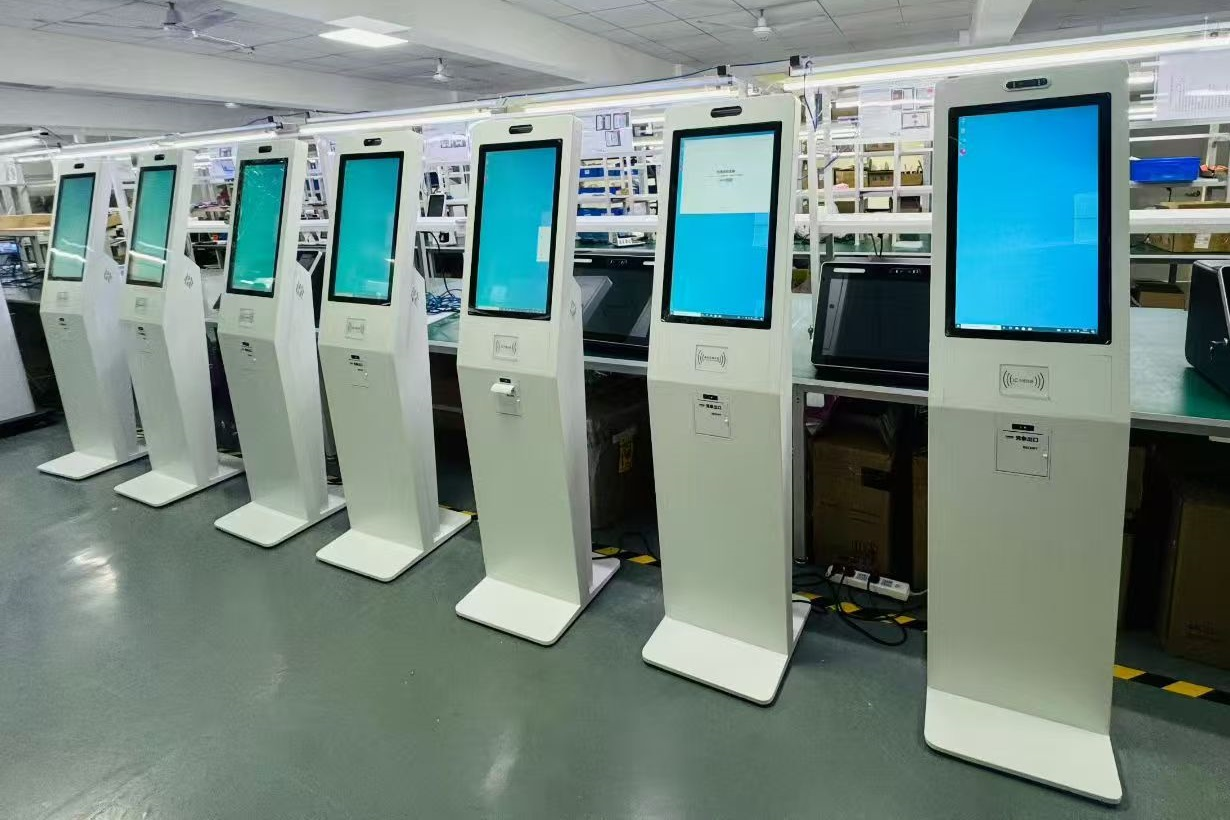
Factory View: SOMANPOS Floor-Standing Self-Service Kiosks
Planning a hotel self-service kiosk project?
SOMANPOS manufactures custom self-service kiosk hardware for software companies and system integrators. To discuss a sample configuration, share your PMS and kiosk application, door lock system, payment terminal model, ID reader requirements, and preferred installation format. The hardware can then be reviewed against your project requirements before sample testing.