
Windows 11 vs Windows 10 for POS Systems: What Retailers Need to Know
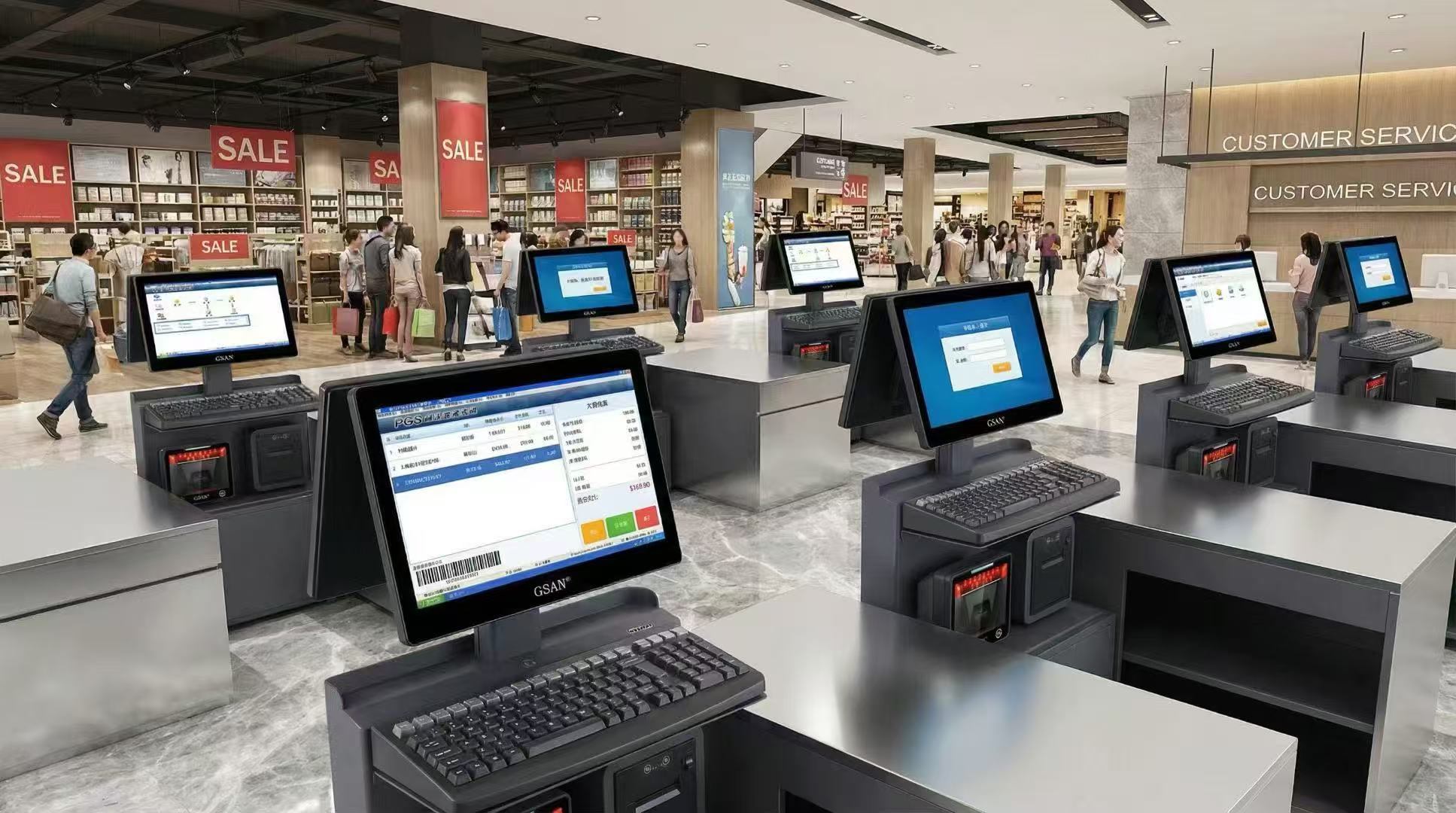
POS system Windows 11 is now an important topic for retailers, restaurants, chain businesses, and self-service environments. POS all-in-one machines and checkout terminals do far more than basic computing. They support billing, receipt printing, barcode scanning, membership identification, inventory sync, and payment integration in daily business. Because of that, merchants no longer focus only on design changes or new features. They want to know which operating system works better for long-term POS use: Windows 11 or Windows 10.
From a business perspective, the answer is becoming clearer. Windows 11 is usually the better option for new devices, new store rollouts, and POS systems that will stay in service for years. Windows 10 can still work in some situations, but it fits older hardware, legacy software, and environments where connected peripherals still need full testing. Microsoft has ended support for Windows 10, and retailers can review the official information on Microsoft Support
Why POS System Windows 11 Matters for Retailers
For retailers, the operating system behind a POS device affects much more than speed. It also shapes security, compatibility, daily stability, and future maintenance.
Many store owners still follow a simple rule. If the machine can process sales, they assume it is good enough. Real POS environments require more than that. A POS machine needs to stay reliable during busy hours, work smoothly with multiple peripherals, and remain easy to support over time.
POS hardware works very differently from a normal office PC. A retail POS setup often connects to receipt printers, barcode scanners, cash drawers, customer displays, payment devices, label printers, and sometimes weighing scales. When one of these devices has a driver issue or compatibility problem, business operations can suffer immediately.
So the real question is not simply which operating system feels newer. Retailers need to ask which one is safer, more stable, and better suited for long-term use.
Windows 11 vs Windows 10 for POS Systems in Daily Retail Use
When retailers compare Windows 11 and Windows 10, they should look beyond interface updates. The real decision should focus on how the operating system performs in a live POS environment.
For new POS systems, Windows 11 usually makes more sense. It offers a more current platform for future deployment, stronger security requirements, and a better base for long-term device planning. Businesses that want consistency across multiple stores also benefit from moving toward one modern standard.
In older environments, Windows 10 can still feel like the safer choice. Many businesses already run stable setups built around older software, legacy peripherals, and existing store processes. In those cases, changing the operating system too quickly may create unnecessary disruption.
One point becomes clear in daily retail use: the better choice depends on the age of the device, the software environment, and the number of connected peripherals. New systems usually benefit more from Windows 11. Older systems often need a slower and more careful transition.
Why Many POS Devices Still Run Windows 10
Even though Windows 11 is often the stronger long-term option, many POS systems still run Windows 10 today.
One reason is hardware age. Many POS machines have already been in use for years. They may still perform well in daily business, but that does not mean they are ready for a newer operating system.
Another reason is software dependency. Some stores rely on older POS software, custom integrations, or vendor-specific tools built around earlier Windows environments. In these cases, an operating system upgrade may require extra testing or software updates.
Peripheral support also plays a major role. Merchants often ask practical questions before moving away from Windows 10:
-
Will the receipt printer still work after the upgrade?
-
Will the barcode scanner driver still be available?
-
Will the cash drawer still open correctly?
-
Will the customer display work as expected?
-
Will the payment interface and ERP connection stay stable?
These concerns are valid. In most POS environments, compatibility depends on the full setup: the operating system, POS software, drivers, and connected hardware. That is why businesses should never treat a POS upgrade like a normal office PC upgrade.
Software and Peripheral Compatibility
Before moving to POS system Windows 11, businesses should review compatibility carefully. In many cases, this step matters more than the operating system upgrade itself.
A POS device may run front-end sales software, back-end sync services, payment plugins, receipt-printing services, inventory tools, membership modules, and several USB or serial peripherals at the same time. In that type of setup, a successful Windows installation does not guarantee a successful business rollout.
Retailers should confirm that their POS software supports Windows 11. They should also verify driver availability and real-world stability for receipt printers, barcode scanners, cash drawers, customer displays, and other connected devices.
This step matters even more in busy checkout environments. A small compatibility issue can slow down service, interrupt payment workflows, or create support problems across multiple locations.
When Windows 11 Is the Better Choice
Several situations make Windows 11 the better choice for POS systems.
The first is new hardware. If a business is buying new POS all-in-one machines or launching a new store, starting with the newer platform usually makes more sense than building on an older one.
Long-term planning is another reason. If the POS hardware is expected to stay in service for the next three to five years or longer, the operating system should match that lifecycle. In that case, Windows 11 is often the better fit.
Centralized management also matters. Chain stores and multi-location businesses benefit from standardization. Using the same operating system across stores can simplify support, staff training, troubleshooting, and device management.
Security adds another strong reason. Businesses that want stronger terminal protection and a more up-to-date deployment standard will often prefer Windows 11.
When Windows 10 Still Makes Sense
Windows 10 can still make sense in some short-term situations.
The most common case is older POS hardware that still works well but may not be ready for an upgrade. Another common case is a store environment built around legacy software or older peripherals that have not yet been tested under Windows 11.
Some businesses also prefer to keep Windows 10 because their current environment is stable and rarely changes. Their priority is to avoid disruption during business hours and keep the existing workflow running.
That approach can still be reasonable in the short term. However, businesses should treat it as a transition strategy rather than a long-term growth strategy. Over time, older software environments create more pressure around support, compatibility, and maintenance.
How Retailers Should Choose Between Windows 11 and Windows 10
Retailers should not treat this as a simple feature comparison. The right choice depends on the full POS environment.
If you are deploying new hardware, opening a new store, or planning a fresh rollout, Windows 11 is usually the better option.
If you are using older POS machines with legacy software and several connected peripherals, review everything carefully before making a change.
If you are running fixed-function retail devices that need long-term stability, you may also want to evaluate business-focused deployment options instead of treating the device like a standard office PC.
In other words, the best decision does not come from the operating system alone. It comes from how well the system, the software, and the peripherals work together.
What to Check Before Upgrading to POS System Windows 11
Before upgrading to POS system Windows 11, retailers should review four key areas.
First, check hardware readiness. Make sure the device can support the new operating system and its security requirements. Businesses can also review the official Windows 11 system requirements before planning a device upgrade.
Next, confirm software support. Review the POS platform, front-end sales software, back-end services, payment tools, and sync components.
Then, test peripheral compatibility. Receipt printers, barcode scanners, cash drawers, and customer displays should all work properly before rollout.
Finally, avoid upgrading every store at once. Start with one or two POS machines in a real business environment. A pilot deployment is much safer than a full rollout without testing.
This step-by-step approach reduces risk and helps retailers move to Windows 11 more smoothly.
Conclusion
So, what should retailers choose: Windows 11 or Windows 10 for POS systems?
For most new deployments, POS system Windows 11 is the better long-term choice. Windows 10 may still work for older hardware and legacy environments, but it is no longer the stronger option for future retail growth.
For merchants, this decision goes beyond old versus new. It affects stability, security, compatibility, and business continuity. A POS device is not just another computer. The most important question is not which operating system looks newer. The real question is which one fits your hardware, software, and daily retail workflow best.


